← Projects

Audio accessibility · Android

SIKIA

Listen through earphones using your Android phone’s microphone. Pick a mode for conversation, TV or a noisy room, then adjust the sound.

My roleAndroid interface and real-time audio engineering.
SIKIA cover artwork with its original Android app icon and an illustrated audio waveform.
Cover artwork · original Android app iconFull size ↗

Overview

Project overview

SIKIA lets the listener tune what reaches their earphones without raising the volume for everyone in the room. The main listening session runs on the phone without an internet connection.

  • Start and stop listening from the Hear screen.
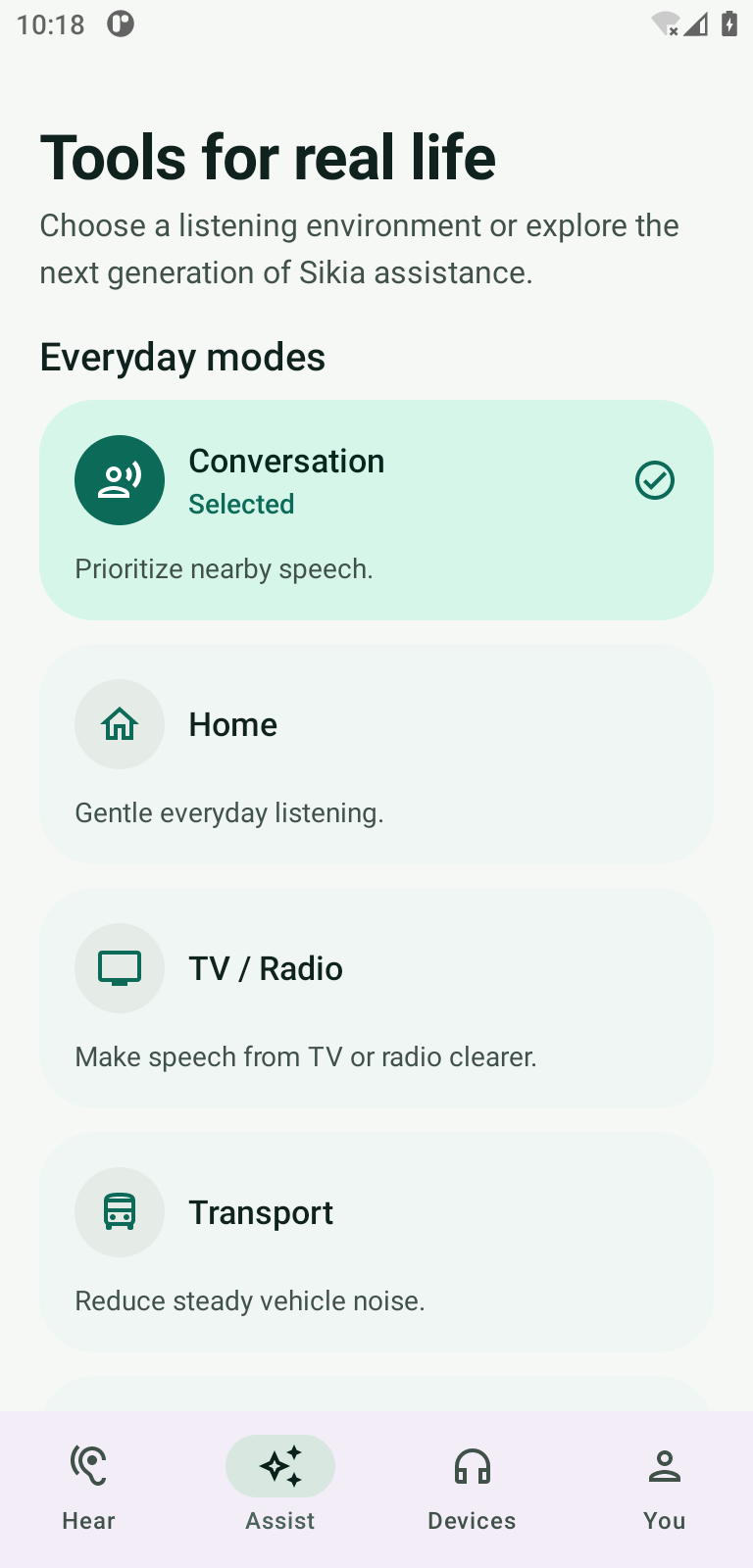
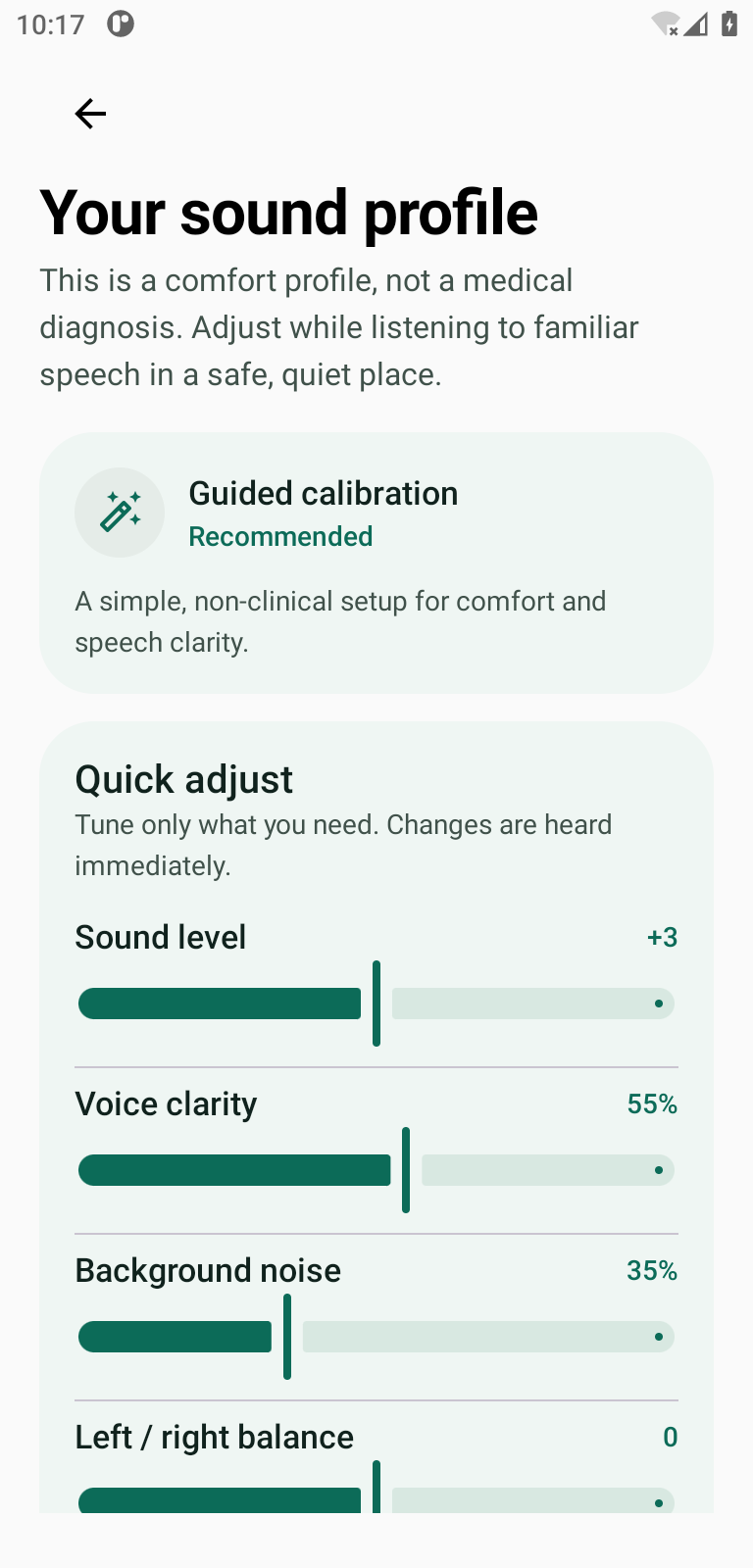
  • Choose Conversation, TV or Market mode, then adjust sound level, voice clarity and background noise.
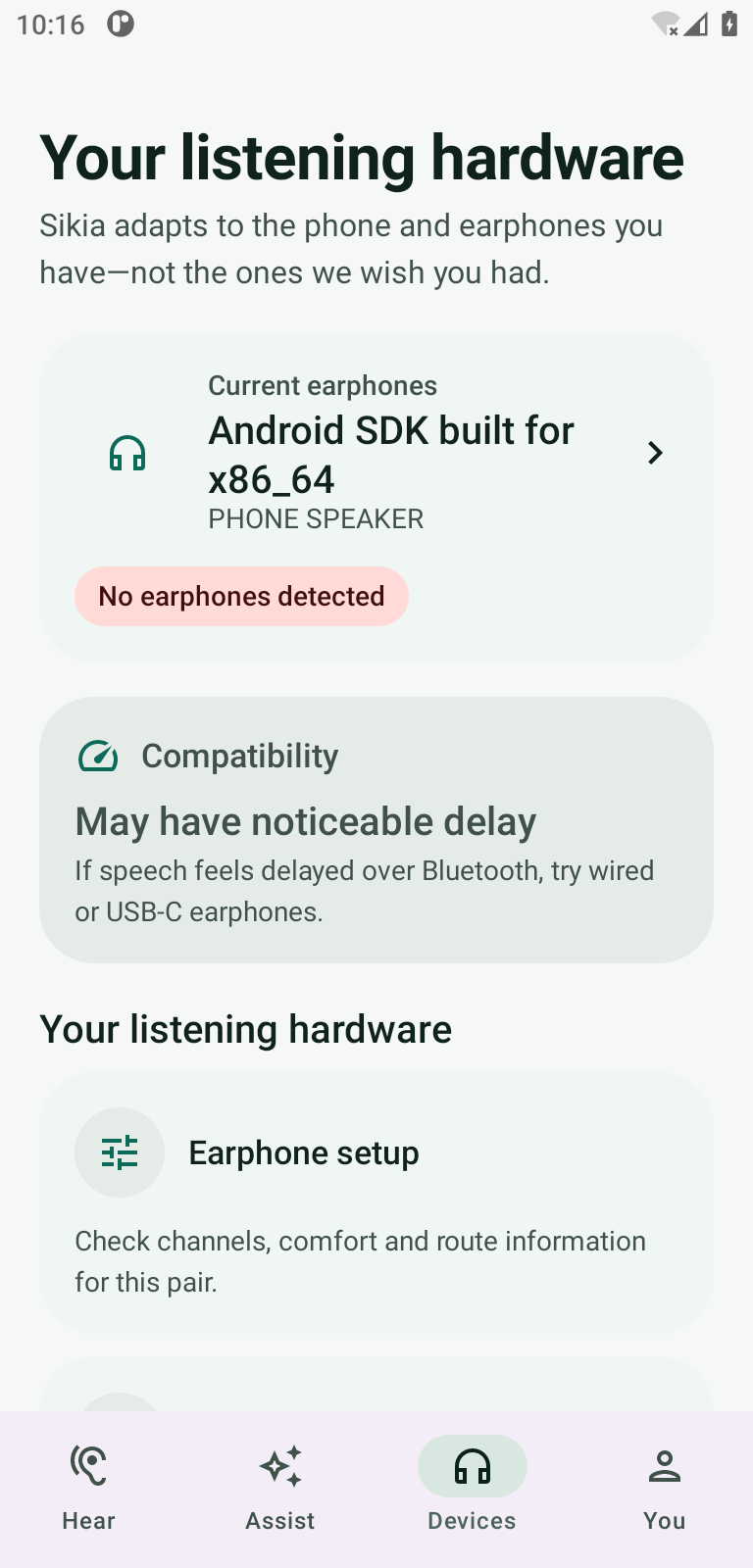
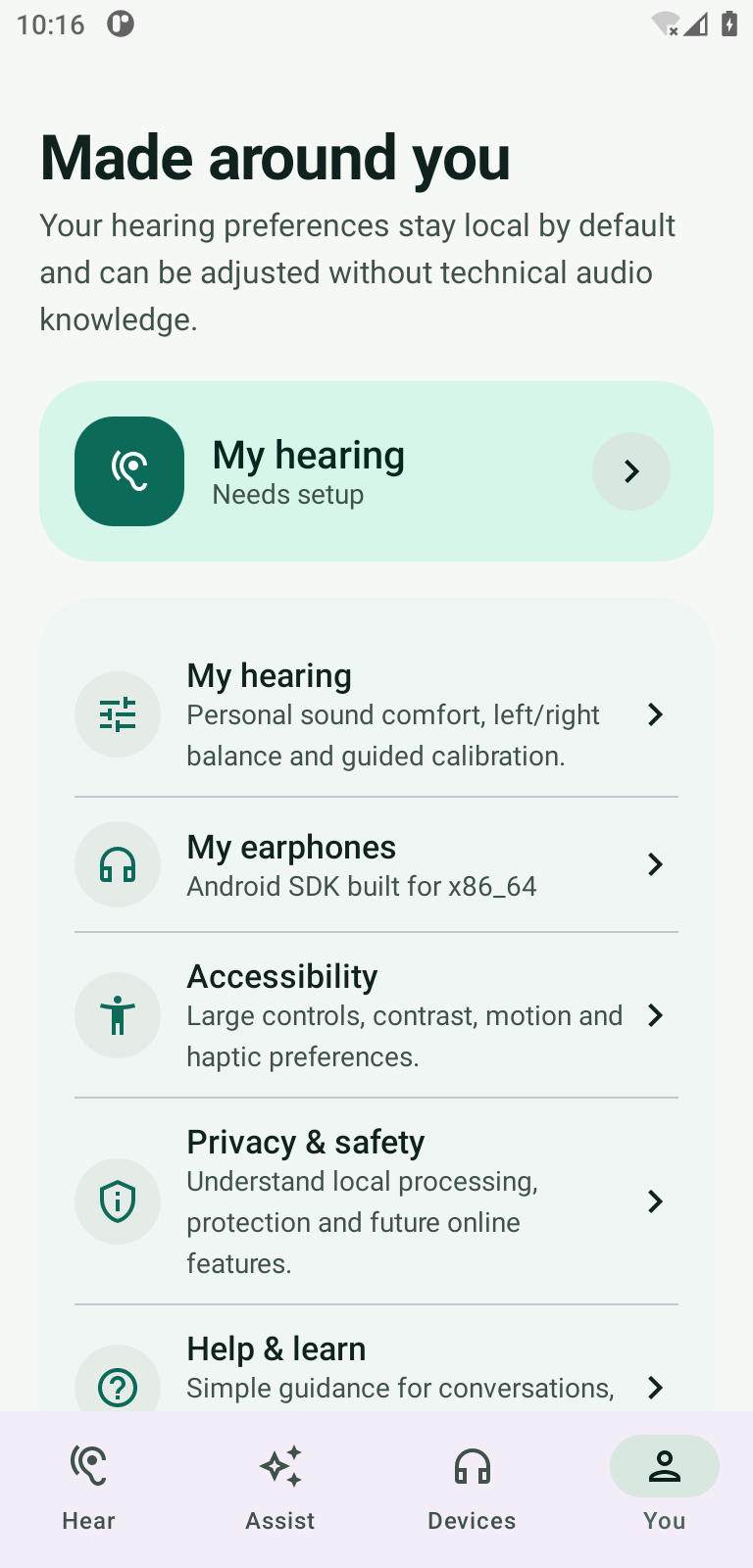
  • Check the audio route and use the left and right controls to set up wired or compatible Bluetooth earphones.

Engineering contribution

My contribution

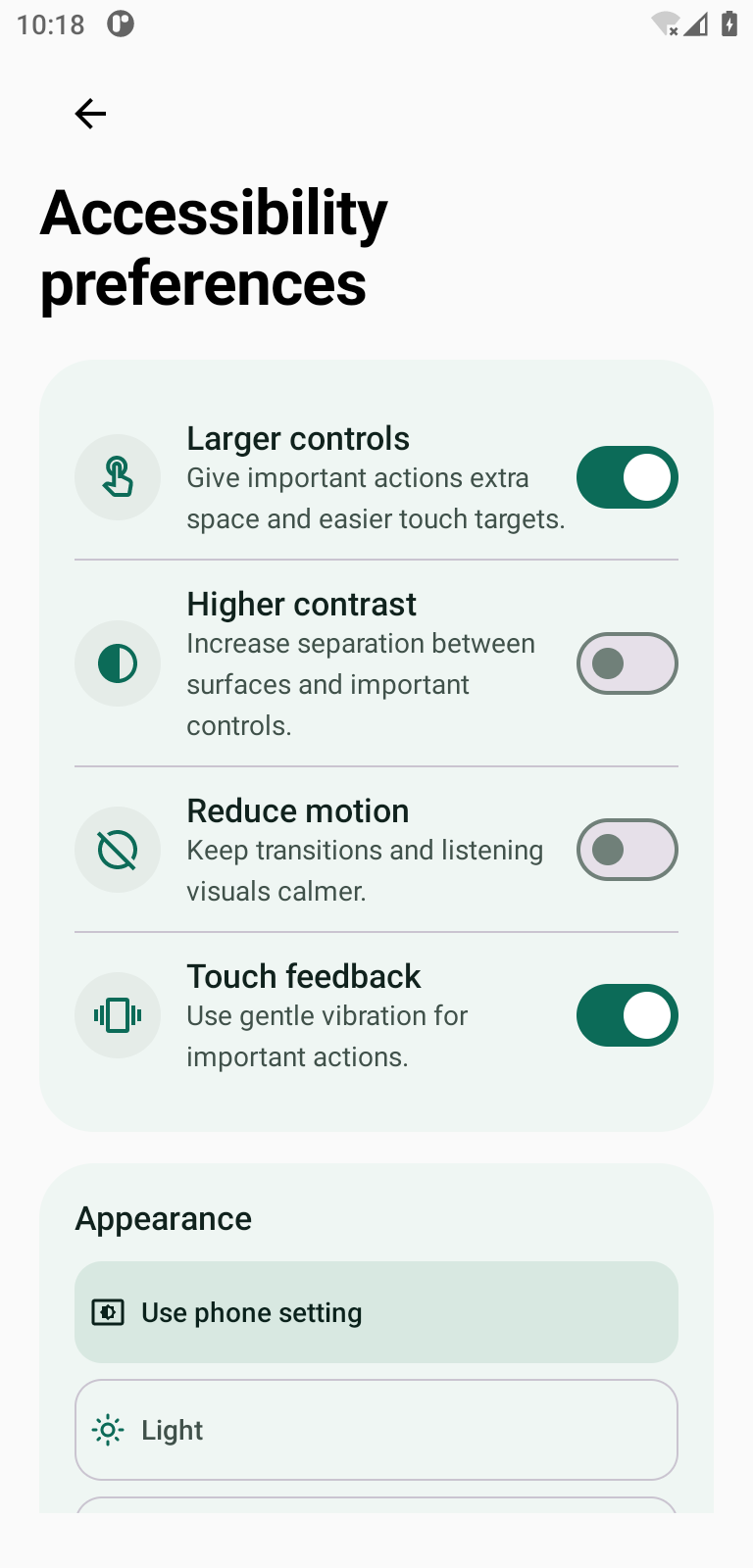
  • Designed the listening controls and mode picker in English and Kiswahili.
  • Built the on-device audio processing in C++ and wired it to Android’s audio route.
  • Added earphone setup, left/right adjustment and device diagnostics.

Technology & scope

  • Kotlin
  • Jetpack Compose
  • C++
  • Oboe / AAudio

In the app

From microphone to earphones

Set up the phone and tune the sound in the room you’re in.

Start a listening session

  1. 01

    Check the audio route

    Connect earphones and check where Android is sending sound.

  2. 02

    Choose a mode

    Pick Conversation for a face-to-face chat, TV for a shared room or Market for a noisy setting.

  3. 03

    Start and adjust

    Use the sound level, voice clarity and background noise controls while listening.

  4. 04

    Stop when you’re done

    End the session from the same screen.

Android prototype, not a hearing aid. Sound and delay depend on the phone and earphones.

Next projectLunaBot